A Chrome text expander that doesn't stop working in the box you actually need it
Type ;addr then a space. Your address appears. Set your own
triggers for anything you type often — an address, an email, a stock reply, a meeting
link. Snippets runs in ordinary text boxes and in Gmail's compose window,
where most Chrome text expanders quietly do nothing.
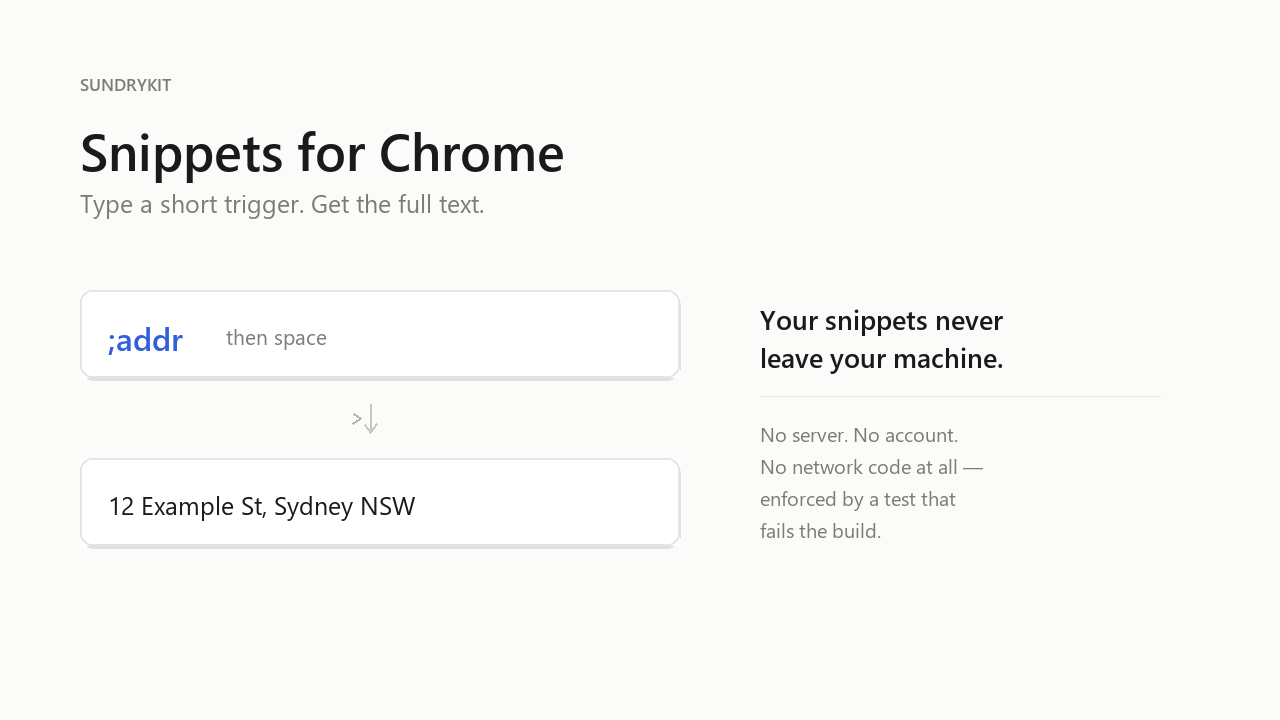
A real expansion, not a mockup — this is the shipped extension.
Sound familiar?
If you've typed "text expander not working in Chrome" or watched your snippets stop
firing the moment you clicked into a rich editor, that's not you — it's how most Chrome
expanders are built. They only watch ordinary <input> and
<textarea> fields. Gmail's compose box, Notion and Slack aren't those —
they're contenteditable regions that keep their own copy of the text, so a
plain expander can type into them and see nothing happen.
Snippets edits the text node the cursor is actually in, so it keeps working inside Gmail's compose window. That's tested against the shipped build in a real browser DOM, not assumed.
Where it still won't help: editors that keep the whole document in JavaScript rather than in the page — Google Docs is the clearest example. There it does nothing at all, rather than half-writing your snippet. We'd rather say that here than have you find out after paying.
What it does
- Type a short trigger, get the full text — in text boxes, text areas, and Gmail compose
- Put
{|}anywhere in a snippet to land your cursor there after it expands - Pro adds
{date},{time},{year}and{clipboard}, which fill themselves in - Everything is stored in your browser's local storage — never synced, never uploaded
It won't touch your passwords
Not as a policy — as code. Snippets refuses password fields, one-time-code and card-number fields, and any field inside what looks like a login form. That's enforced by tests against the shipped extension, the same way the no-network claim below is.
Local only, proven rather than promised
The part of Snippets that watches your typing has no network code in it at all — no
fetch, no XMLHttpRequest, nothing. That's not a line on this
page; it's a test that fails the build if anyone ever adds one. The only permission it
asks for is storage, to keep your own snippets on your own machine.
A licence that doesn't need us to stay online
Enter your Pro key once. After that it's checked on your own machine, not ours. We tested this against a dead server — pointed a built copy of the extension at an unreachable address with a real key already stored, and Pro stayed unlocked. If our server ever goes down, your copy keeps working.
Free, or one payment for Pro — no subscription either way
Free
- Up to 10 snippets
- Plain text replacements
- Cursor placement with
{|}
Pro
- Unlimited snippets
{date},{time},{year},{clipboard}- No subscription, no account, no login
If you're comparing this against Text Blaze or TextExpander: the difference isn't features, it's the bill. We charge once. The best-known name in this space moved to a subscription some years ago and people still bring it up — we'd rather not repeat that.
Start with the free version from the Chrome Web Store. Try it on the boxes you actually use before paying anything.
Handled by Gumroad. Your licence key arrives by email; paste it into the extension's options page once. If it doesn't do what this page says, email us and we'll refund you.
Questions
- Is there a free version?
- Yes — up to 10 snippets, plain text only, no time limit and no account. Pro is one payment for unlimited snippets and the fields that fill themselves in.
- How do I replace text automatically in Chrome?
- Install a text expander that watches for a short trigger as you type — like
;addr— and swaps it for the full text the moment you finish the trigger. Snippets does this entirely on your own machine. - Does it work in Gmail?
- Yes, in the compose window — that was the single biggest complaint we found about Chrome text expanders, so it's the one thing we tested hardest against.
- My Mac's text replacement doesn't work in Chrome. Will this?
- The shortcuts you set in macOS under Keyboard → Text Replacements are handled by the operating system, and Chrome doesn't reliably apply them inside web pages. Snippets runs inside Chrome itself, so it doesn't depend on the system feature at all — the same triggers work in Chrome on a Mac, on Windows and on ChromeOS. You'd re-enter the shortcuts you want once, in Snippets' options page.
- Does it work in Google Docs, Notion or Slack?
- Not yet. Those editors keep the document in JavaScript rather than in the page itself, and Snippets currently does nothing there rather than half-expanding. Ordinary text boxes, text areas and Gmail's compose box are covered today.
- What does it send to you?
- Nothing, while you're typing — there's no network code in that part of the extension. The one exception is a single check when you first enter a Pro licence key, described in full on the privacy page.